How Do I Change My Password in Atlas Budgeter
There are two ways to change your password:
If You Cannot Remember Your Current Password, You can reset it using the Login Screen password reset process:
- Click Forgot Password? on the login screen.
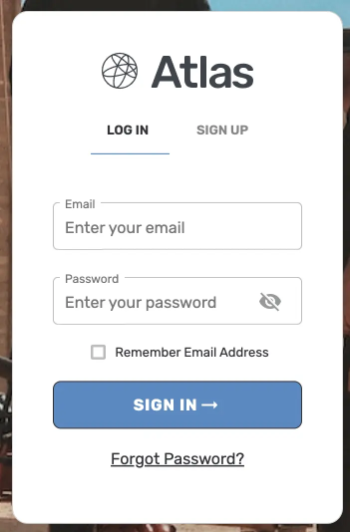
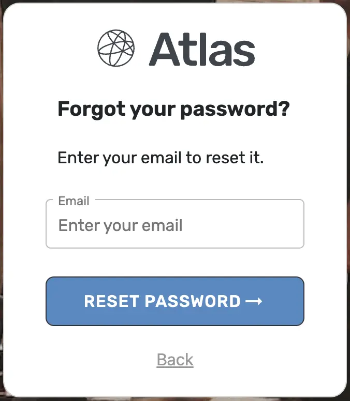
- Enter your account email address and click Reset Password.
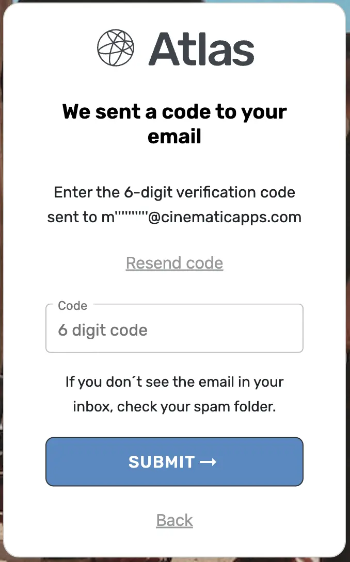
- Check your email and enter the 6-digit confirmation code.
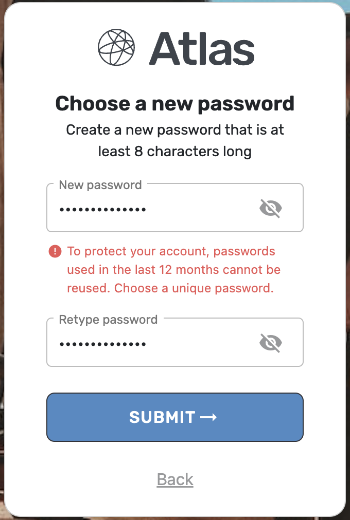
- Enter and confirm your new password, then click Submit.
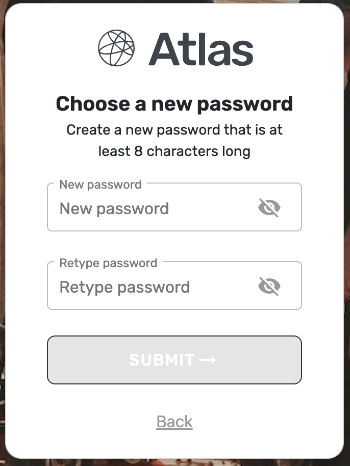
- Your password must be unique and not previously used. Atlas Budgeter also checks against a compromised password database.
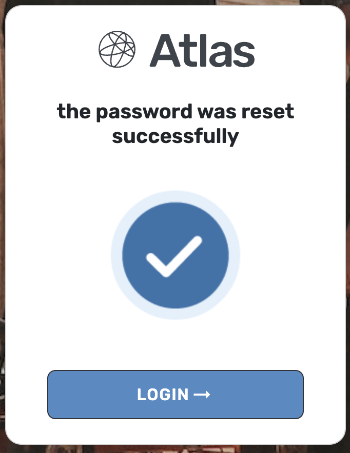
- Once your password has been updated successfully, you can log in and continue budgeting.
If You Know Your Current Password, you can update it directly from your account settings:
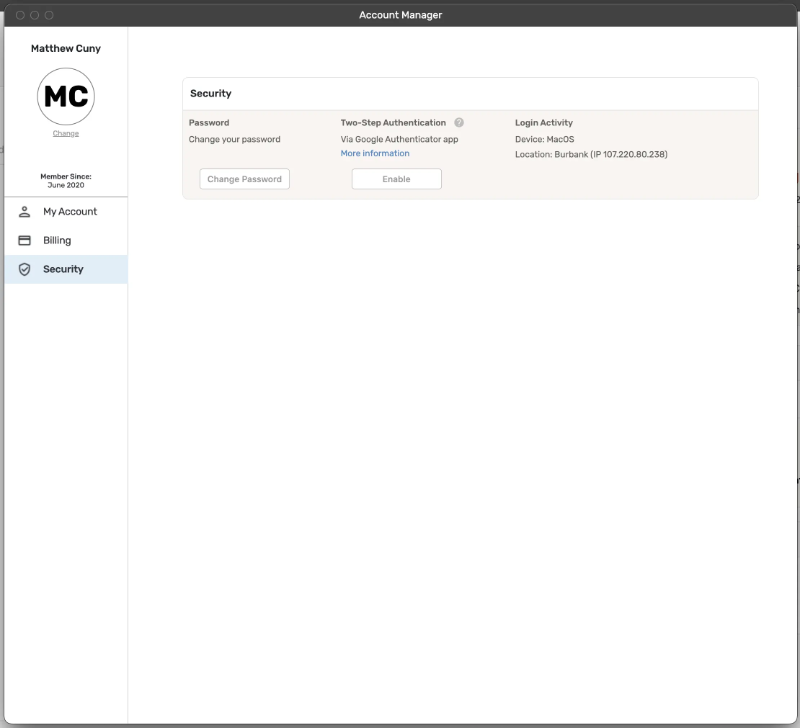
- Navigate to Account Manager → Security.
- Click Change Password.
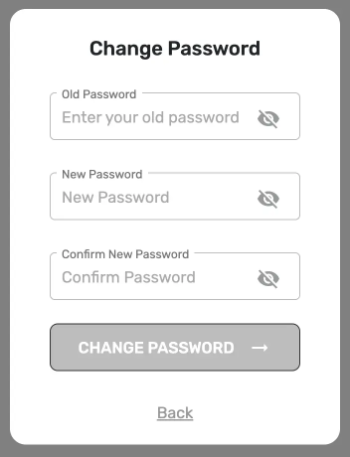
- Enter your old password, then set and confirm your new password.
- Once your password has been updated successfully, you're all set!
Was this article helpful?
That’s Great!
Thank you for your feedback
Sorry! We couldn't be helpful
Thank you for your feedback
Feedback sent
We appreciate your effort and will try to fix the article